Migrator
Migrator backs up your database and wp-content into a single archive you can restore on the same site or import on a new host. URL and path rewriting is serialization-safe.
- Plugin home: https://plogins.com/plogins-migrator/
- Author: WPPoland.com
- WordPress.org contributor: motylanogha
What ships today
Section titled “What ships today”- One-click backup from Migrator in the admin menu
- Presets: Full site, Database only or Media only set the right exclusions in one click
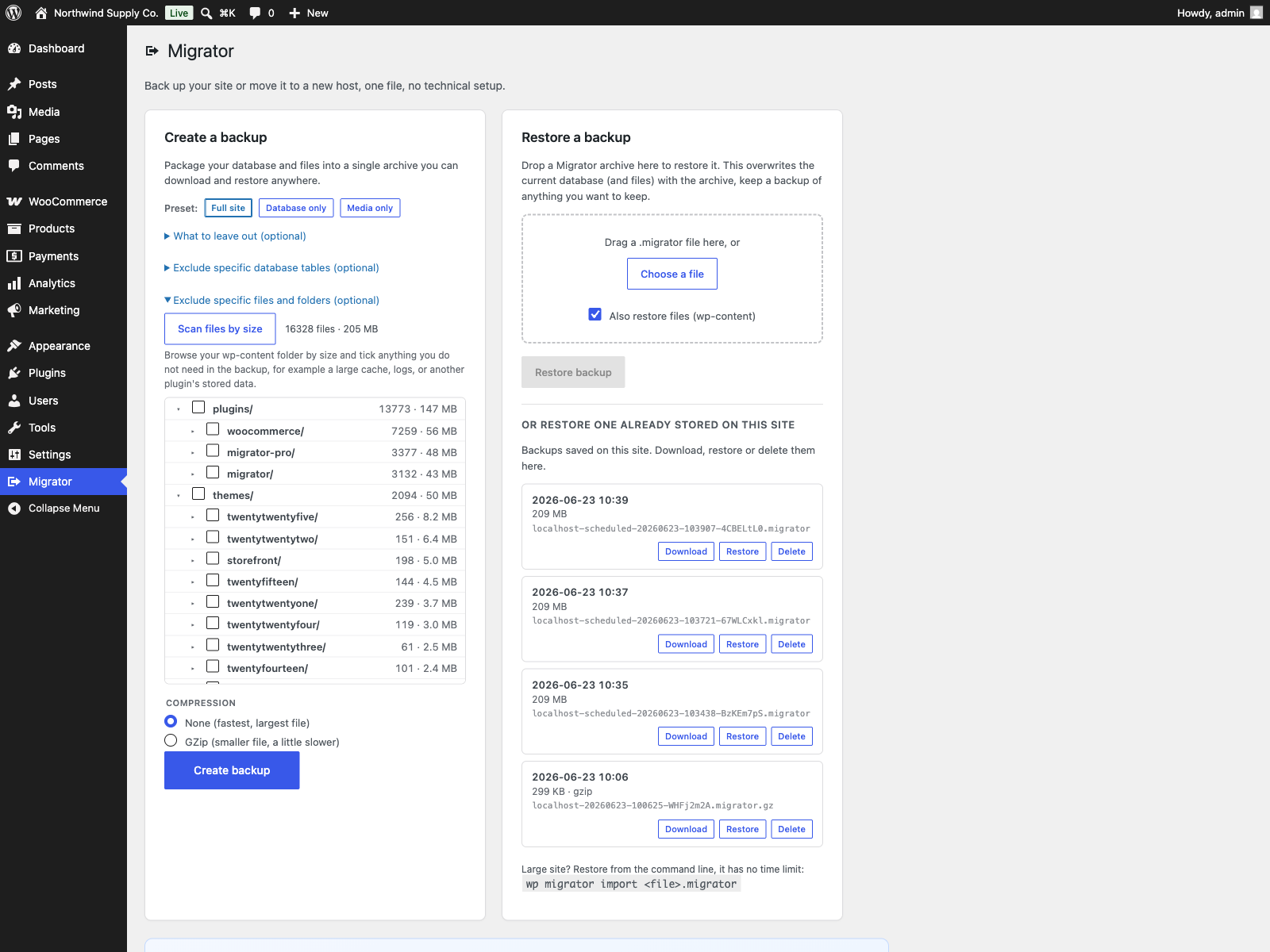
- Fine-grained exclusions: skip tables, rows, themes, plugins, cache, or specific files and folders
- File-size explorer: scan
wp-content, see each folder’s size and file count, and tick what to leave out - Your backups: list every backup stored on the site and download, restore or delete it in one click
- Inspect a backup before restoring: see its source URL, WordPress and PHP versions and table count, with pre-restore checks for table prefix, disk space and writability
- Search & replace: change a domain, URL or path across the database, safe for serialized data, with a dry-run preview
- Restore and migrate with automatic URL/path rewriting
- Rollback if a restore fails: the database is snapshotted just before an import and put back automatically if the database import or the URL rewrite fails. If a later step fails, such as extracting files, the site is left partly restored and the message gives the path of the snapshot to restore by hand. The snapshot is kept until the whole restore is through
- Scheduled backups: daily or weekly, with a retention rule that deletes older scheduled copies
- Off-site copies: each scheduled backup copied to an FTP or FTPS server or to a local or mounted folder
- Resumable in-browser export with authenticated download
- WP-CLI
wp migrator export,wp migrator importandwp migrator replace - Pull and push between live sites: copy a site to another server over HTTP with
wp migrator pull, resume it, fetch only the changes later, and send file changes back withwp migrator push. WP-CLI only, off until you switch it on. See Pull and push between live sites
Screenshots
Section titled “Screenshots”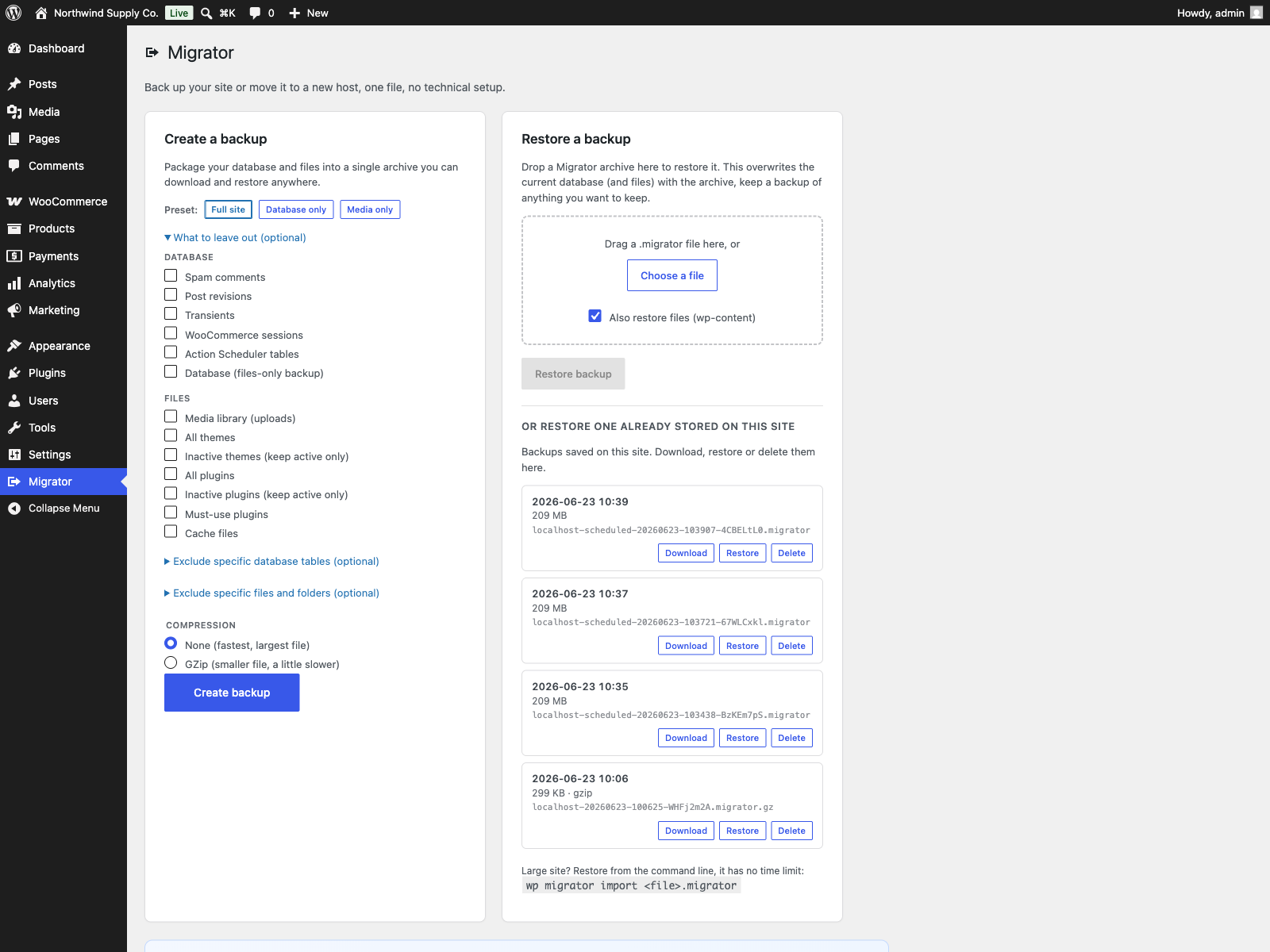
Related
Section titled “Related”- Migrator Pro: the PRO edition adds incremental backups, multisite network migration, cloud storage, a server-to-server transfer run from wp-admin, and encryption.