Migrator Pro
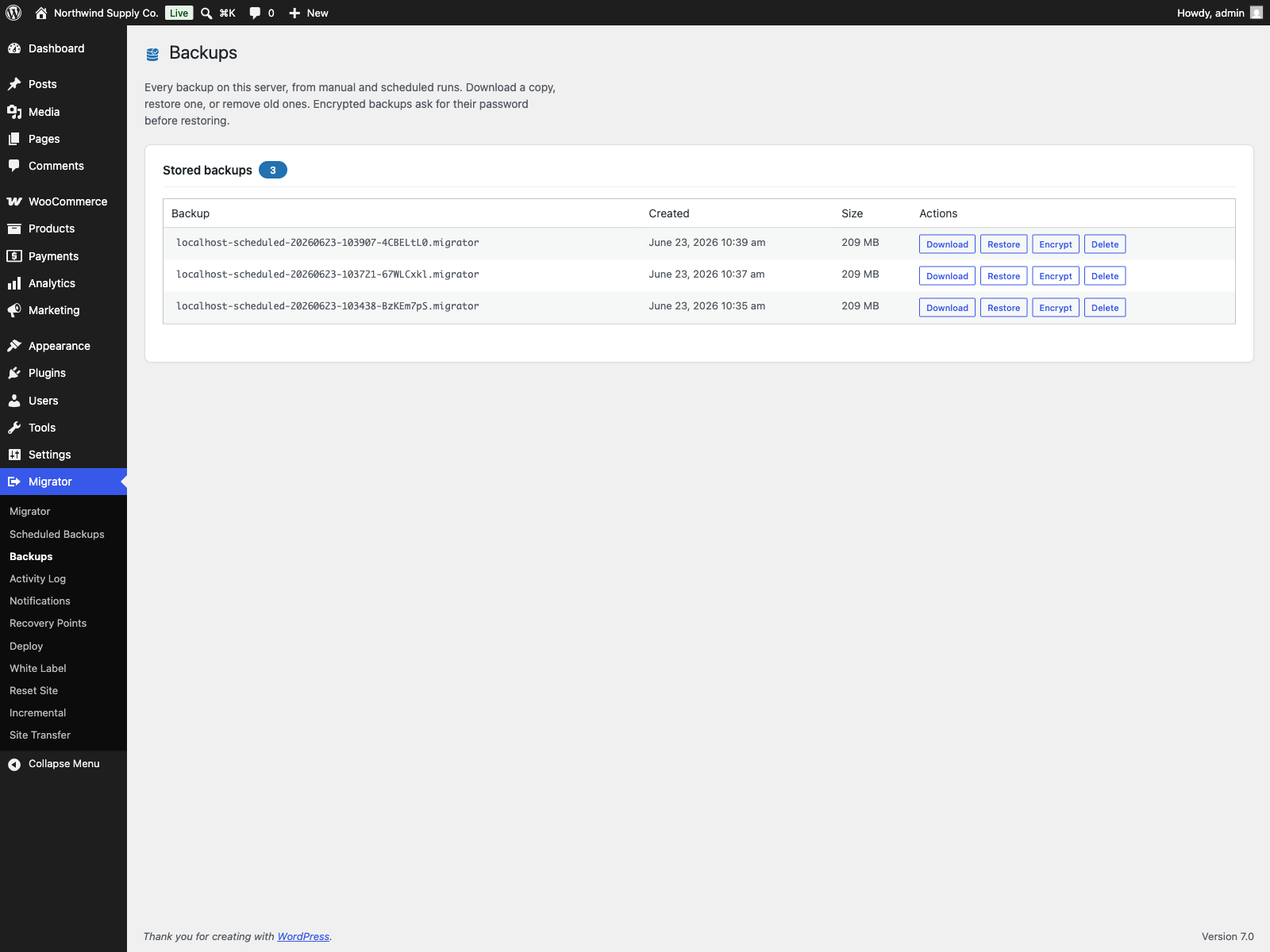
Migrator Pro is the premium edition for Migrator. It requires the free Migrator plugin installed and active; it is distributed through Freemius, not the WordPress.org directory.
- Plugin home: https://plogins.com/plogins-migrator-pro/
- Author: WPPoland.com
- WordPress.org contributor (free edition): motylanogha
PRO features
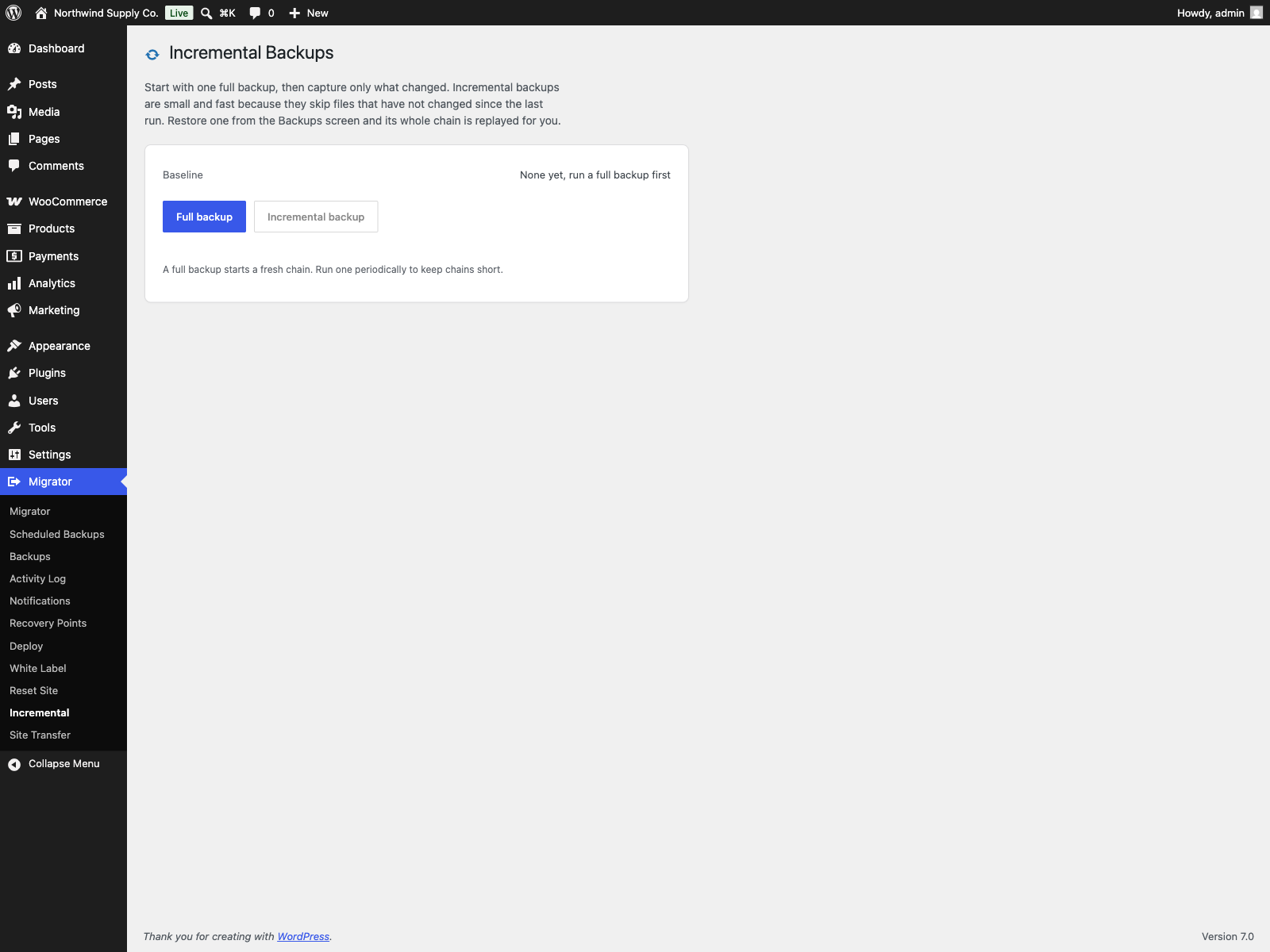
Section titled “PRO features”- Incremental mode for the free edition’s daily or weekly scheduled backups: only changed files are stored (every archive still carries the full database)
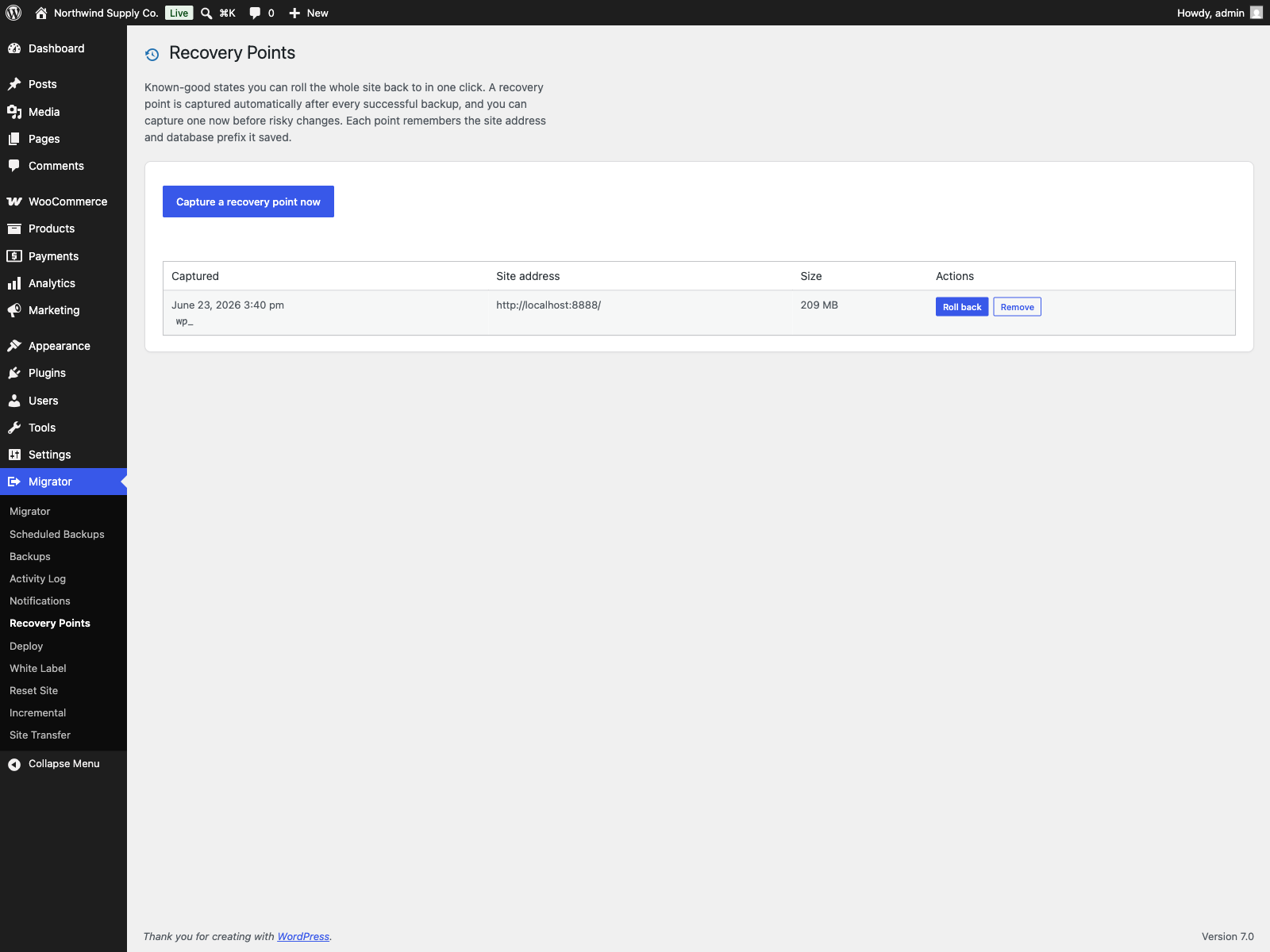
- Recovery points: one-click rollback to a known-good backup, captured automatically after every successful backup or on demand; each remembers the site address and database prefix it saved
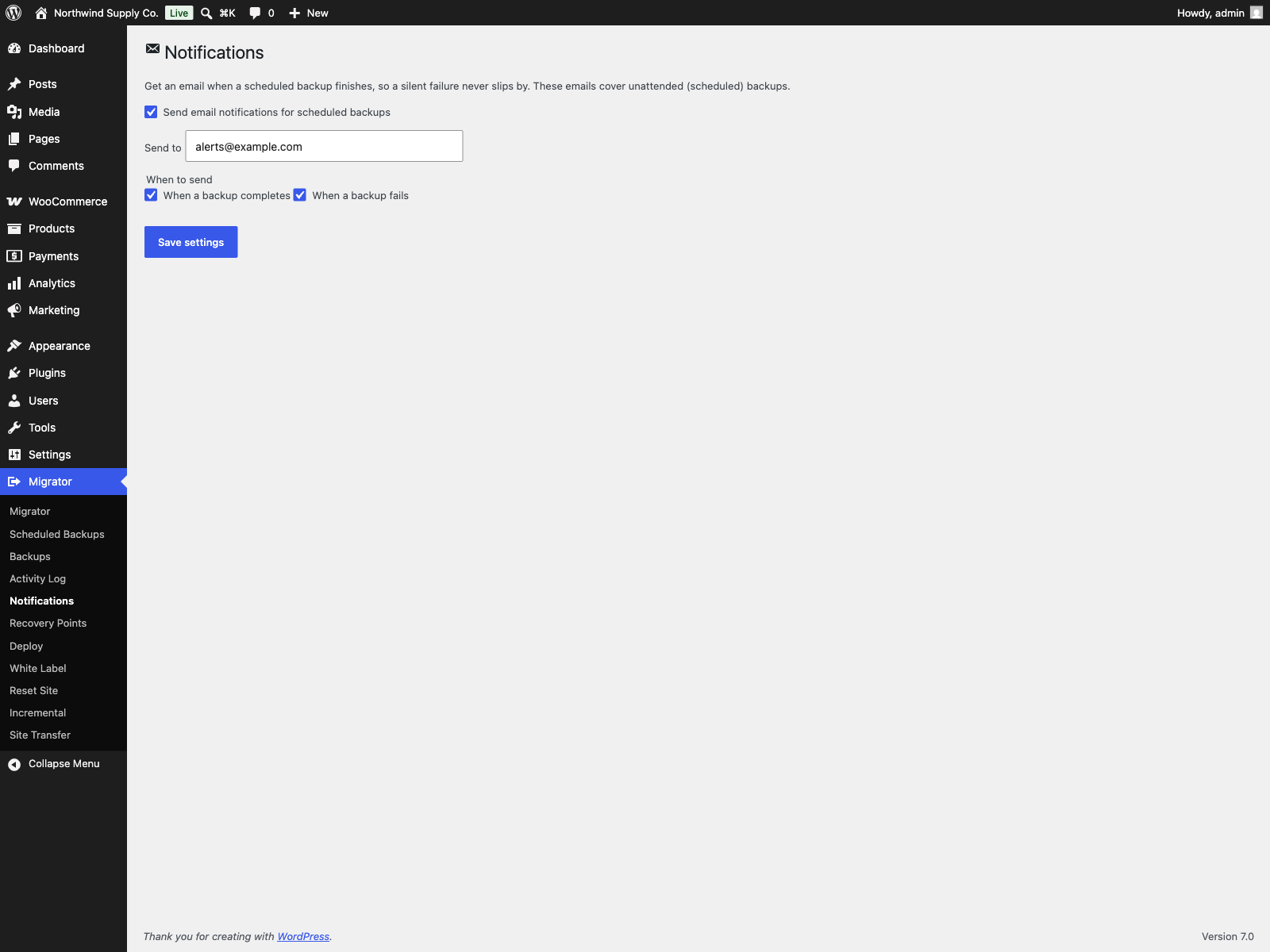
- Email notifications: get an email when a scheduled backup completes or fails
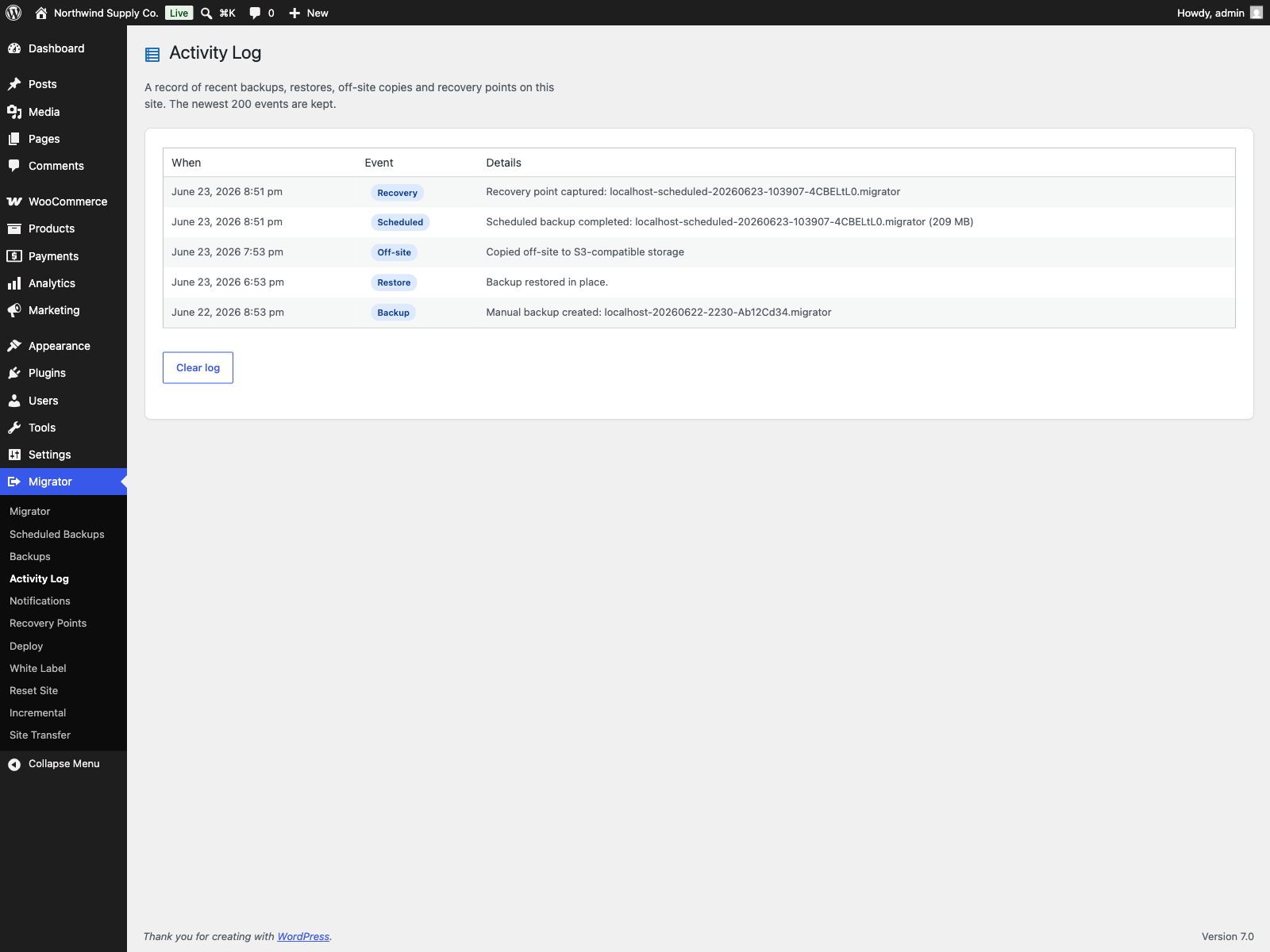
- Activity log: a newest-first record of backups, restores, off-site copies and recovery points
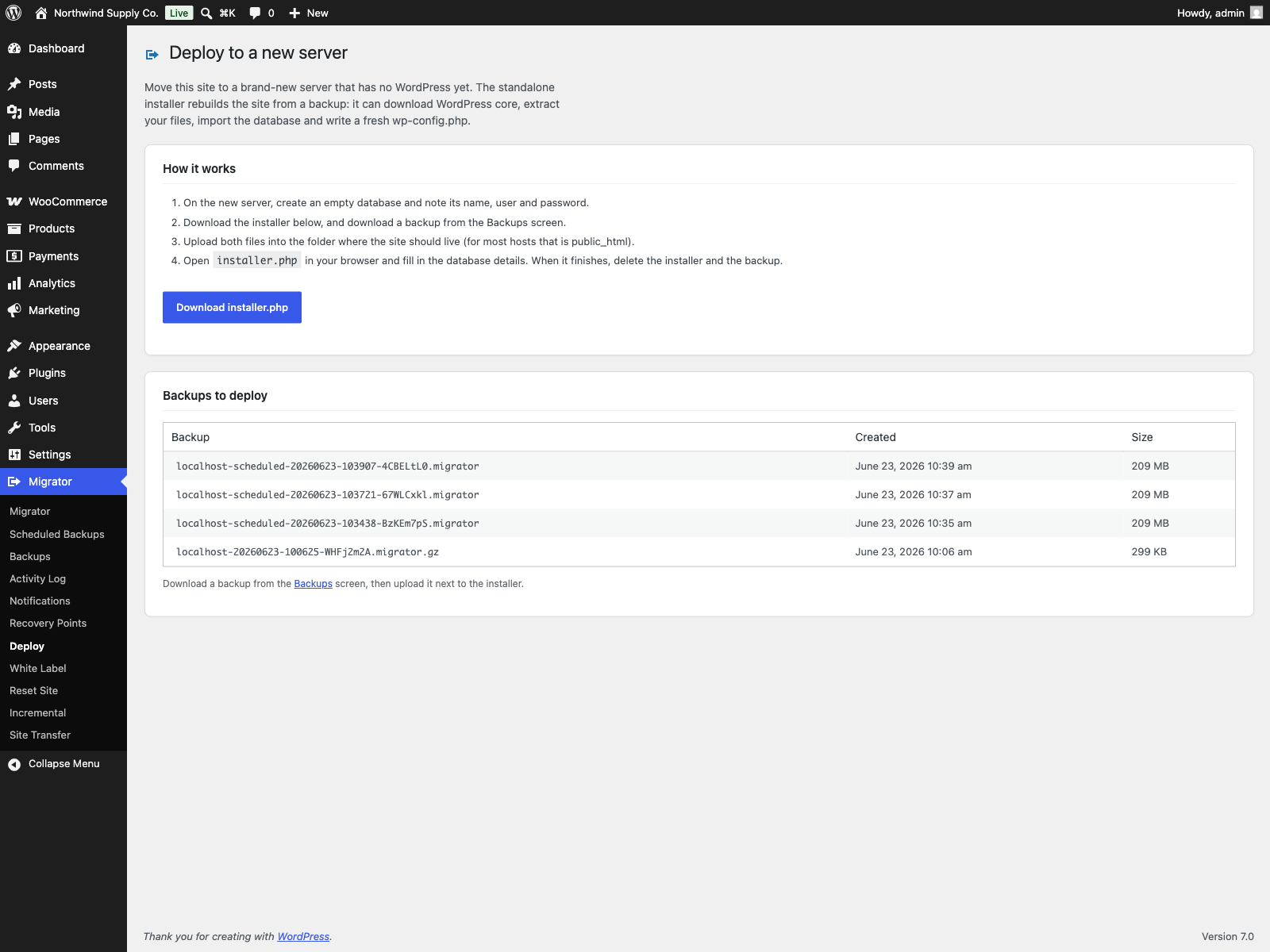
- Deploy to a new server: a standalone installer rebuilds the site from a backup on an empty server with no WordPress (downloads core, extracts files, imports the database, rewrites URLs/paths, writes wp-config.php). It can also fetch the backup itself from a link, including a presigned Amazon S3, Cloudflare R2 or Dropbox URL, so a large archive never has to pass through your computer
- Table sync: import chosen database tables from a backup into this live site and leave the rest of the database alone. Tables are listed with their row counts, users, comments and WooCommerce orders are offered but never pre-ticked, a preview counts what would change without writing anything, and the chosen tables are dumped first so a failed sync puts them back as they were
- Multisite, network to network: back up and migrate a whole network from the admin. Restoring across the single-site and network boundary is refused, and pulling one subsite out of a network is a WP-CLI job
- Off-site destinations on top of the free edition’s FTP/FTPS and folder copies: S3-compatible storage with one-click presets (Amazon S3, Cloudflare R2, Backblaze B2, Wasabi, DigitalOcean Spaces), SFTP, WebDAV (Nextcloud, ownCloud), Dropbox and Google Drive
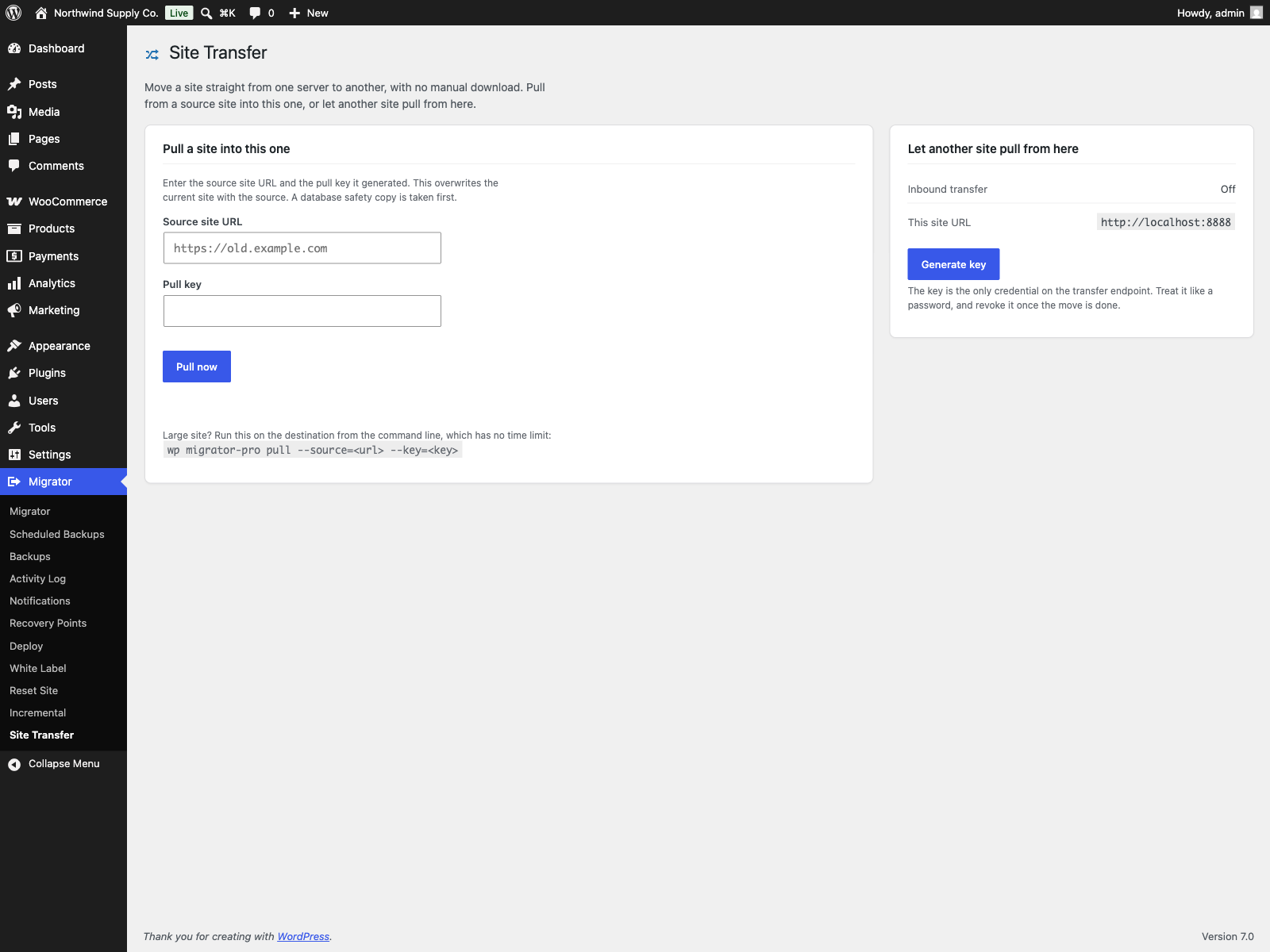
- Server-to-server transfer from wp-admin: the Site Transfer screen pulls a site from another server with a key generated on the source, and
wp migrator-pro pulldoes the same for large sites. The free edition moves a site between servers over WP-CLI withwp migrator pull - Encrypted backups
Screenshots
Section titled “Screenshots”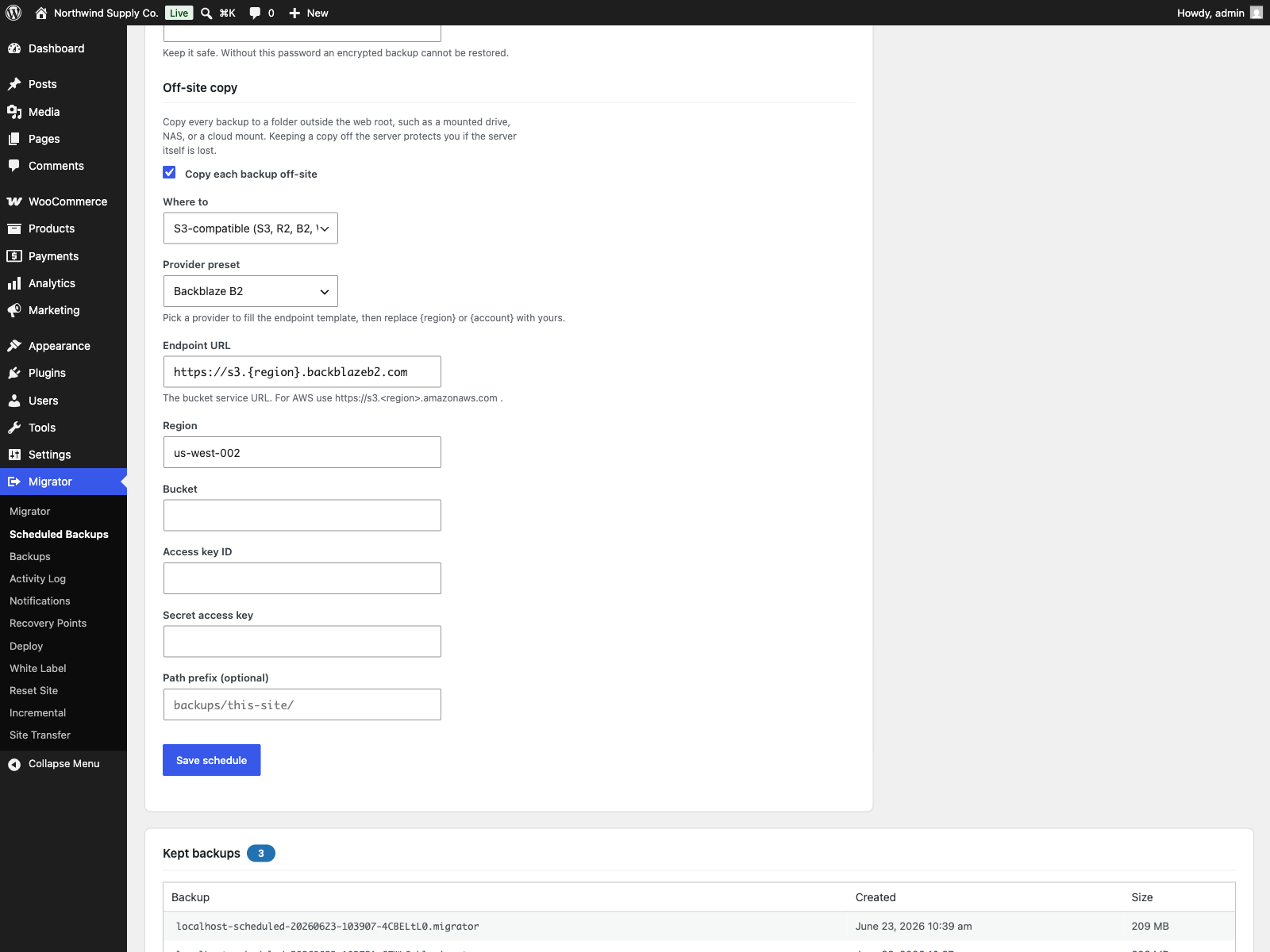
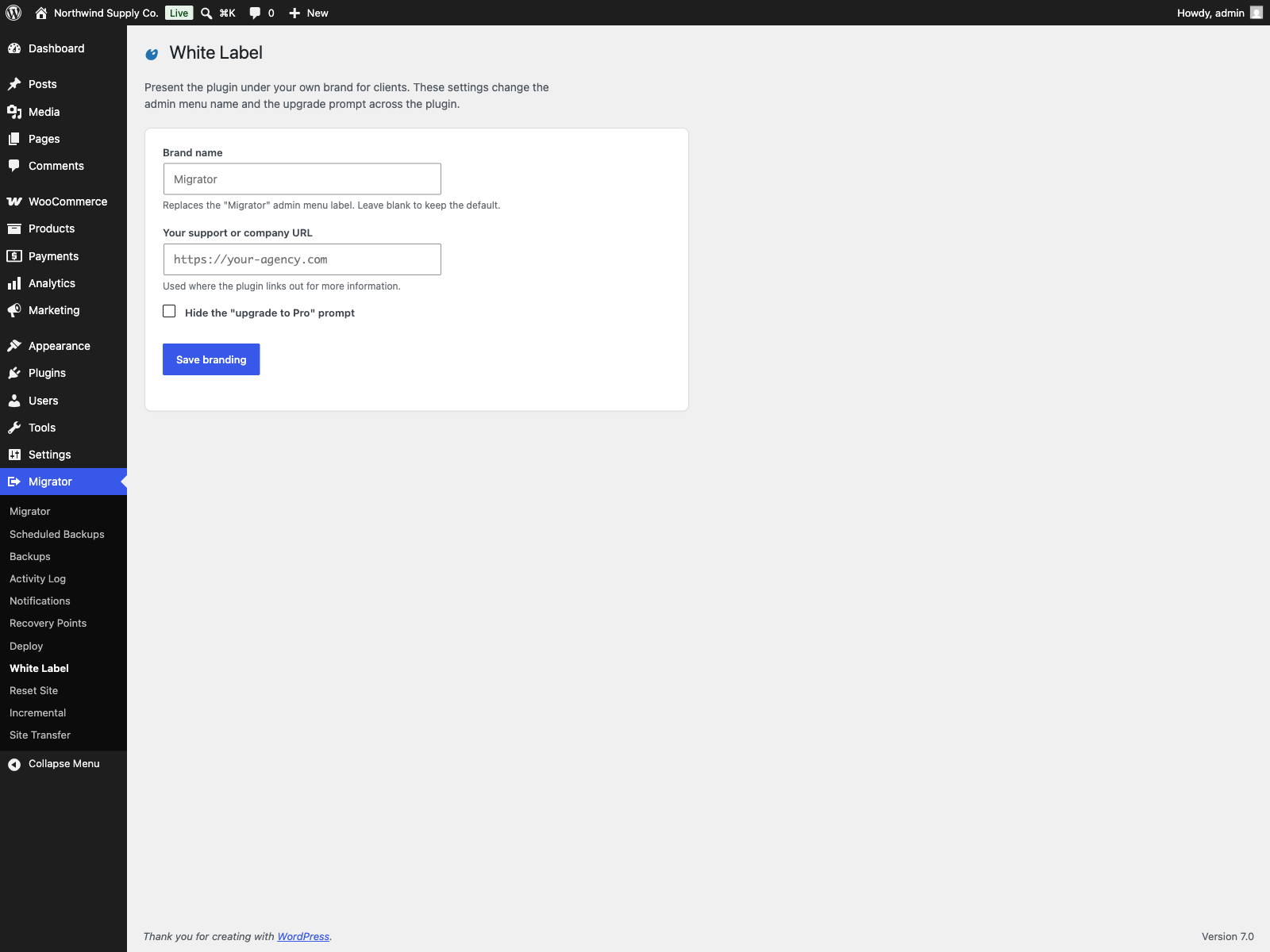
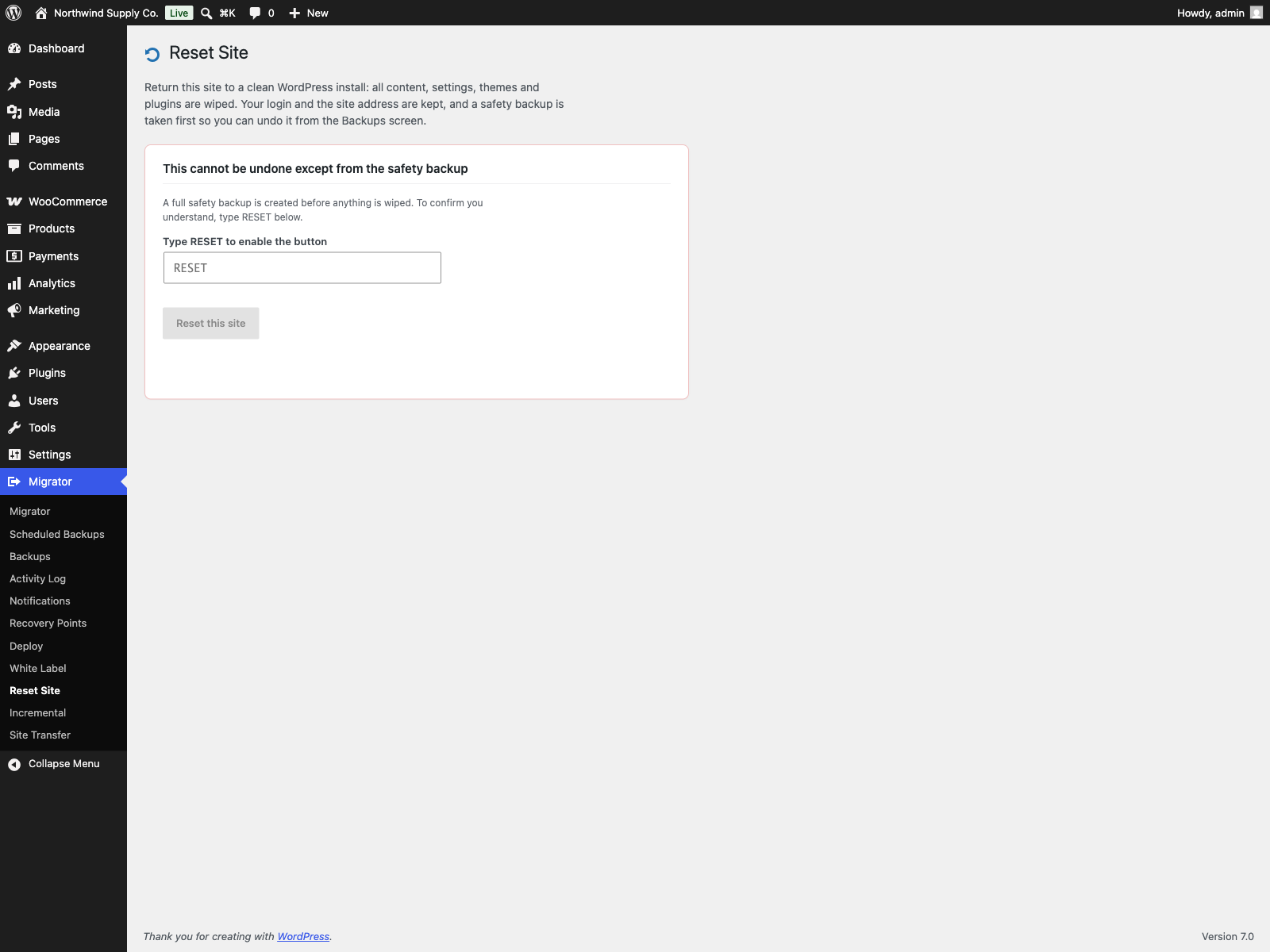
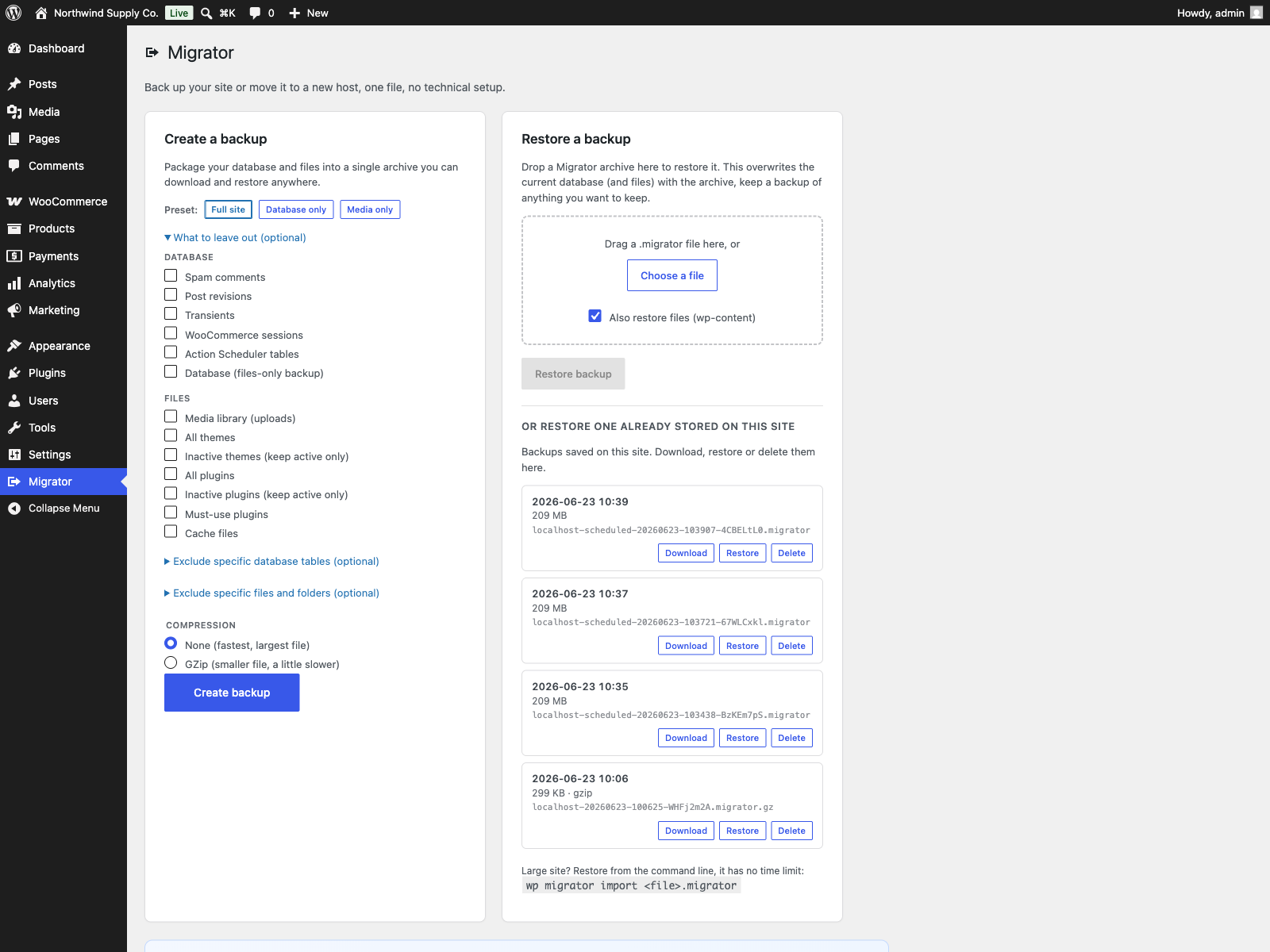
Relationship with Migrator
Section titled “Relationship with Migrator”Migrator Pro extends the free Migrator plugin. The free edition covers single-file backup, restore and migration with no size limit, plus daily or weekly scheduled backups copied to FTP/FTPS or a folder, and pull and push between servers over WP-CLI; PRO adds incremental backups, multisite, cloud storage, a server-to-server transfer run from wp-admin, and encryption.